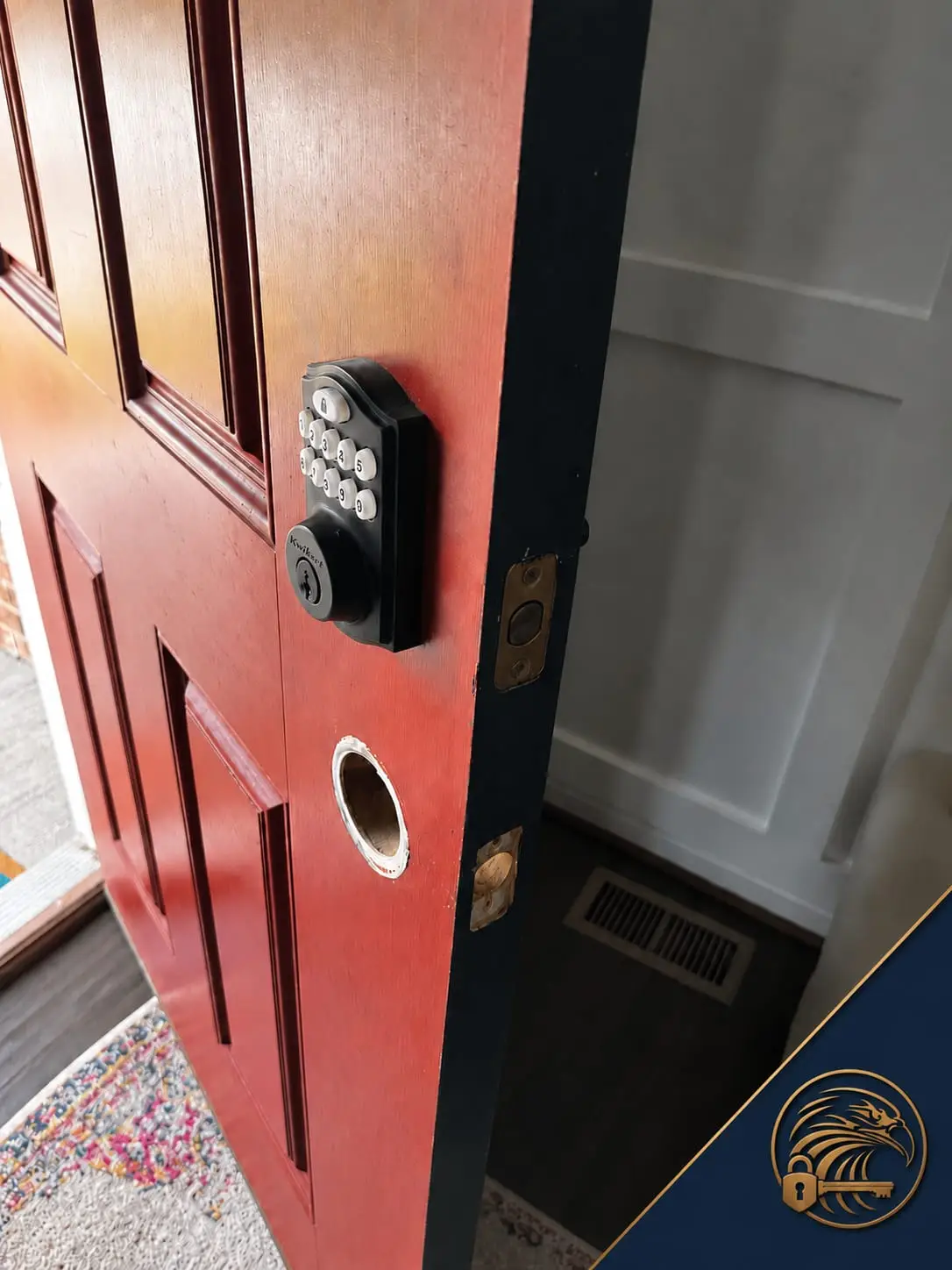
We install smart locks every week, and we talk people out of them every week too. Both decisions can be right. This is the unvarnished version — the one we give family members — so you can decide before a salesperson, including us, gets involved. When you are ready for specifics, our installation page covers what proper fitting involves.
The genuine pros
Key control without keys. A code can be created in seconds, given to exactly one person, and deleted the moment their access should end. Compare that to a copied house key, which is forever. Proof of entry. Connected locks log who opened the door and when — invaluable for rentals, carers, and parents of latchkey kids. Remote certainty. Locking from the airport, or confirming you already did, is a real quality-of-life feature, as is auto-lock for households that forget. No more lockouts. A memorized code cannot be left on the kitchen counter; for lockout-prone families this feature alone pays for the lock within a year.
The honest cons
Batteries are a maintenance item now. A mechanical lock works during a blackout, a flood, and the apocalypse. A smart lock needs battery changes once or twice a year, and while good models warn you for weeks, "good model" and "heeded warning" are both doing work in that sentence. The door becomes the weak point. Motors stall against misaligned strikes that a human hand would never notice; a smart lock on a shifting door generates "jammed" errors and dead batteries until the door itself is fixed. Cheap units are cheap. No-name smart locks with plastic internals and abandoned apps are worse than the plain deadbolt they replaced, in security and in lifespan. Connectivity cuts both ways. App accounts need real passwords and two-factor authentication; a lock is only as smart as the account hygiene behind it.
The middle path most people actually want
A standalone keypad deadbolt — no Wi-Fi, no app, no account — delivers the two biggest wins (no keys to lose, codes instead of copies) with almost none of the cons. Batteries last far longer without a radio to feed, and there is nothing to hack because there is nothing connected. For a primary home without rental or monitoring needs, this is the configuration we recommend most often, and it keeps a standard key cylinder as a silent backup.
Who should skip smart locks entirely
Households that will not maintain batteries or apps — the lock becomes a liability, not a convenience. Doors in poor condition that the owner will not repair: fix the door first, automate later. Anyone whose threat model is a determined, targeted attacker: your money belongs in door, frame and strike reinforcement plus a top-grade mechanical cylinder long before it belongs in radios. And landlords of long-term rentals in jurisdictions with strict rules about entry systems should check local requirements before installing connected locks.
The verdict we give at the door
Buy the reputable brand, in the highest deadbolt grade it offers, fitted to a door that has been properly prepared — and a smart lock is a genuine upgrade in control and convenience. Buy the gadget version on an unprepared door and you have purchased a subscription to minor frustrations. The technology is fine. The fitting is everything.
What about renters?
Renters sit in a special position: the convenience case is strong — codes beat spare keys for roommates and guests — but the lock usually is not theirs to change. Many leases require the landlord's written permission and the retention of landlord key access, and some jurisdictions regulate electronic locks on rentals specifically. The practical path is to ask, propose a quality unit, and offer the landlord a code or key like any other access arrangement; landlords say yes more often than tenants expect, because keyless turnover benefits them too. If permission is refused, a keypad lock on an interior door or a smart lock kept ready for your next home is the fallback — and when you do move, take the lesson from our move-in guide and make the new place's locks your first project, with permission already in hand.